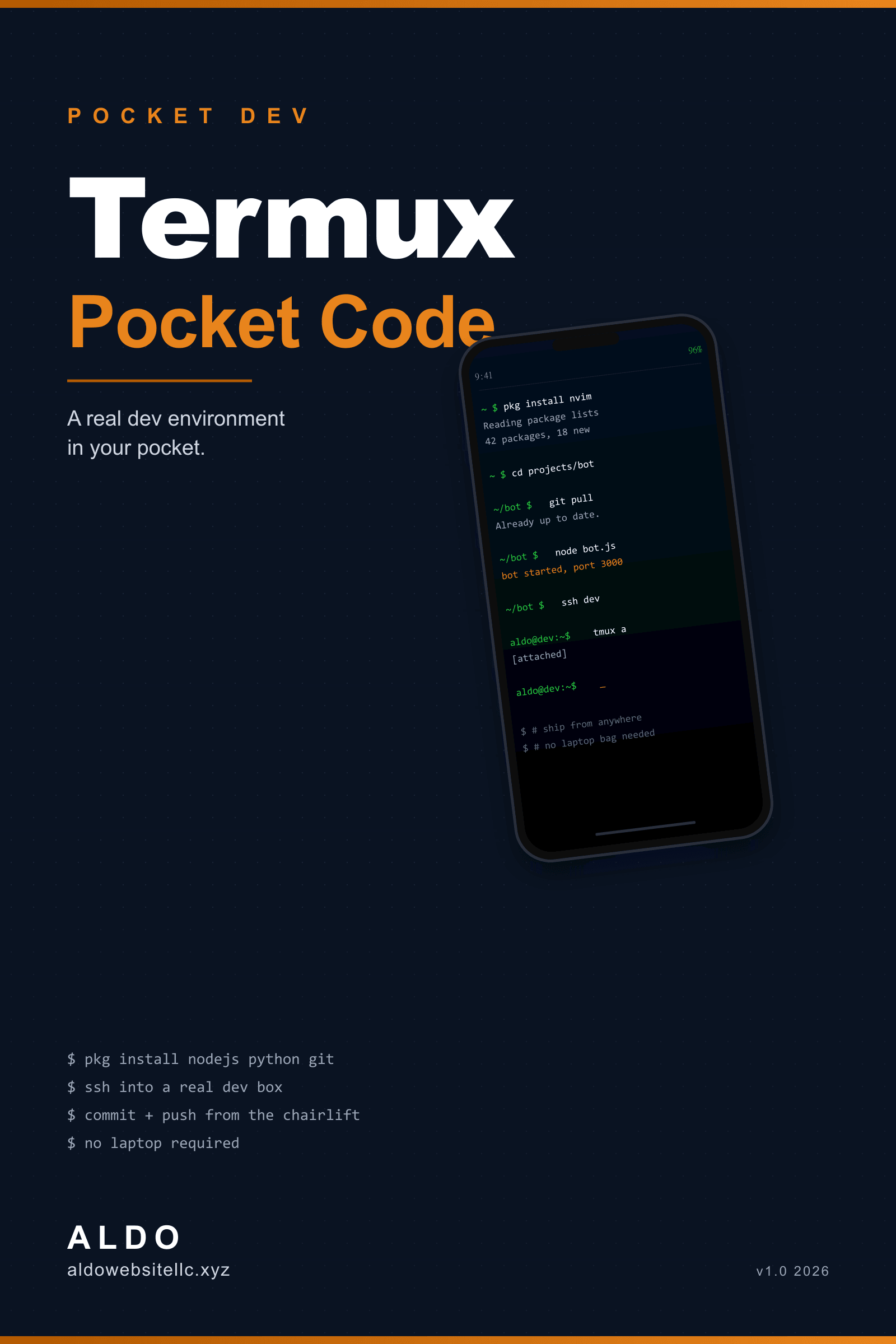
Termux Pocket Code
Turn an old Android into a real pocket code editor. Free, six commands, ten minutes.
// free - sent to your inbox
- +EPUB format, opens in any reader
- +No DRM, share with your team
- +Free updates within v1.x
- +Companion repo + open errata
Free starter guide. How to code on an Android phone with Termux: real setup, working SSH-as-thin-client, three small projects, and an honest list of when to put the phone down. The free lead-magnet ebook.
// gated preview
Read the first chapter
Drop your email and I'll send the .epub sample over.
Foreword
I wrote part of this paragraph on a Samsung Galaxy A54, in Termux, with a Bluetooth keyboard on my lap on a chairlift up Park City Mountain. The chairlift bit is a flex. The Termux bit is the point of the book.
A few years ago I would have told you that coding on a phone was a stupid waste of time. You have a laptop, you have a desk, just go sit at them. Then I started a security cert path that involved a lot of waiting: between exam sections, in airport gates, on chairlifts, at the dentist. Time I would not have spent at a real machine. Time I was burning on Twitter.
So I tried Termux. The first day I almost gave up. The second day I got nvim, git, and a working Node install. The third day I shipped a one-page bug fix to production from my phone, on a chairlift, with a Bluetooth keyboard. The fix took six minutes. The Twitter feed I would have scrolled in the same six minutes had given me nothing in return.
I am not going to tell you Termux replaces your laptop. It does not. I am going to tell you it can do more than you think, and that the moment you internalize how to use it, you have an emergency machine in your pocket that runs bash, git, ssh, and any language you want. That is a real thing to have.
This book is short on purpose. Six or seven chapters. You can read it in an evening. It is free because I want a lot of people to read it. If you got it from my email list, I am the person who emailed you. If you got it from a friend, please pass it on.
A few honest things up front.
This book assumes you already know what a terminal is and have used one at least a little. If you have never opened a shell, this is the wrong starting book. Run through "The Linux Command Line" by William Shotts first, that one is also free.
This book is about Android, not iOS. Apple's iOS sandbox does not allow a real shell environment like Termux. There are iSH and Blink Shell, both interesting, neither equivalent. If you are on an iPhone, the chapter on SSH-as-a-thin-client still applies and is honestly the best part anyway.
This book gets you to a pocket dev environment fast, then gets out of your way. The chapters do not exhaustively cover every Termux package. There is a great Termux wiki for that. What I cover is the path that actually works, not the path that lists every option.
If you find a mistake, a tool that has rotted, or a slicker workflow than mine, the errata is at aldowebsitellc.xyz/termux-pocket-code and credits fixes by name.
Now plug a keyboard into your phone, or do not. Let me show you what is possible.
How to use this book
This book is short. Read it cover to cover in one evening. Each chapter ends with a small Do this now block of one or two actions. Do them on your phone as you read, do not save them for later, and you will end the evening with a working pocket dev environment plus three small projects to play with on flights and chairlifts.
If you would rather skim and reference, the table of contents is on the next page. Chapter 5 (SSH as a thin client) is the one that pays off most, you can jump straight there if you already have a working Termux setup.
Conventions
Commands you should type look like this:
pkg install neovim
Commands that include placeholders look like this, with the placeholder in angle brackets:
ssh user@<your-dev-box-ip>
When I make a judgment call, the paragraph starts with My take. When a recommendation will rot fast (a Termux package name, a Play Store policy, a third-party app's free tier), it ends with (will drift). When I want you to do the thing on your phone before continuing, the paragraph starts with Do this now.
I do not show screenshots of Termux. The font rendering on every phone is different and the screenshots would age badly. The text in this book is what is on the screen.
What you need before chapter 1
- An Android phone, ideally on Android 7 or newer. (Termux does not support modern features on older Android.) (will drift)
- A few hundred MB of free storage. Honestly less, but headroom helps.
- A Bluetooth keyboard if you want a real typing experience. Optional but transformative.
- F-Droid installed, or willingness to install it. The Play Store version of Termux is broken and abandoned. The book covers why.
- An hour of focused time per chapter, less if you read straight through.
What this is not
It is not an "Android Studio on your phone" book. Android development needs the real IDE. Coding for Android is not the same as coding on Android.
It is not a phishing or malware book. Termux's reputation has been hurt by tutorials that show people how to point metasploit at strangers' Instagrams. Do not be that person. The defensive techniques in this book are unrestricted. The offensive ones are not in here at all, and if you want to learn pentesting, my eJPT Field Notes covers the cert path at aldowebsitellc.xyz/shop/ejpt-field-notes.
It is not a rooting book. Every workflow here works without root.
A note on what you can break
You cannot really break your phone with Termux. Termux runs in a sandbox; it does not have root, it does not touch the rest of your apps, and the worst case is you delete the Termux app and reinstall. So experiment freely. Try things. Type the obviously wrong command and see what error it gives you. The whole point of a pocket environment is that you can be careless with it.
Now plug in the keyboard if you have one, open Termux, and turn the page. Chapter one is the case for the whole thing, and it is shorter than this how-to-use chapter.
Chapter 1
Why bother
The honest answer to "why code on a phone?" is "for fun." Almost nothing in this book is something you cannot do faster on a laptop. If you have your laptop, use your laptop.
The reason to learn this anyway is that you do not always have your laptop, and the time you spend in the gaps adds up.
What you gain
A real shell environment, 30 seconds from your home screen. Tap Termux, see a $ prompt, run git pull, your dotfiles repo is up to date, your aliases work, your editor opens to the file you were on yesterday. The setup cost is one evening. The reward is permanent.
An emergency machine. Your laptop is at the office, in a backpack, dead-battery, or in the shop. A customer needs the staging environment restarted, a flag toggled, a hot fix shipped. With Termux + SSH + your real dev box, you have a full operator's workstation in your pocket. I have used mine three times this year for real. Once it was the difference between a four-hour outage and a forty-minute one.
A thinking space. This is the one I did not expect. There is something about coding on a smaller screen, slower keyboard, less surface area for distractions, that makes you write tighter code. I keep a notes file in Termux for design decisions, and the ideas that go in there are noticeably better than the ones I have at my desk where I have a thousand tabs open. The constraint is the feature.
A fun side hobby. Pet projects feel different when they live on a device you can use anywhere. The Telegram bot you build in chapter 6 lives on your phone, deploys from your phone, runs forever as long as the phone is on. The friction is real, but so is the joy when a thing you made works.
What you do not gain
I have to be specific about this. Termux is not a replacement for any of the following:
- A development laptop for daily work. The screen is small. The keyboard is small if you do not have a Bluetooth one. The battery dies. The thermal throttling means a
npm installon a large repo takes minutes instead of seconds. - An IDE. No autocomplete from a language server is workable, but it is not the same as VS Code with Copilot. You will miss your tooling.
- A debugging environment for large apps. You can run
nvimandnodeand step through a 200-line script. You cannot effectively debug a 50,000-line Next.js app on a 6-inch screen. SSH into the real box. - A mobile dev environment for native iOS or Android. I covered this in the how-to-use. Building an Android APK requires Android Studio, which does not run inside Termux.
If you came to this book expecting it to fully replace your laptop, set that expectation down. If you came expecting a real, durable, expandable shell environment that lives in your pocket and is genuinely fun to use, the rest of the book delivers.
Who actually uses this
People who have a long commute and want to ship side-project code in 10-minute windows. People who travel a lot and want to keep momentum on flights without lugging a laptop bag. People who work from coffee shops where laptop theft is a real concern. Operators and on-call engineers who want a real emergency shell. Sysadmins who SSH into servers from their pocket. Security researchers who want a portable shell. Students who want to keep practicing terminal commands on the bus.
I am two of those (long-distance travel, on-call emergency shell). You might be a third or a fourth I have not listed. The point is this is a real category of user.
The constraints to know about
Termux is one of the most constrained dev environments you will use. Some of the constraints are technical, some are policy. Both have shaped the workflows in this book.
- No Play Store install. The Play Store version of Termux has been broken and abandoned for years. Install from F-Droid only. Chapter 2 walks through this. (will drift)
- Storage permission is opt-in. Termux cannot touch your phone's photo gallery or downloads folder unless you grant storage permission via
termux-setup-storage. This is good for privacy but you will trip over it once. - Network APIs are limited. Termux can
sshandcurlfreely. It cannot easily intercept other apps' network traffic. This is by design. The "Termux is a hacking tool" reputation is mostly people misunderstanding what the sandbox allows. - No system service control. You cannot start a
systemdservice. Termux processes die when the app is killed. Workarounds in chapters 5 and 6. - Updates lag. Termux packages update on a different cadence than apt or pkg on real Linux. Usually you do not care. When you do, the workaround is "use a smaller version of the tool, or SSH to a real box."
You will hit these constraints. The book teaches you to work around them or work past them.
Do this now
- Install F-Droid on your phone if you do not have it. The download is at f-droid.org. Sideload it. Trust the source.
- Plug in your Bluetooth keyboard if you have one and pair it with your phone. If you do not have one, decide whether you want to buy one before chapter 3. The bare minimum is a $20 folding Bluetooth keyboard. (will drift)
- Carve out 90 minutes for chapter 2. Setup is fastest done in one sitting.
The next chapter installs Termux properly, walks through the first five minutes of commands, and gets you to a working shell. After that the fun starts.
That was chapter one. The whole of Termux Pocket Code is free - use the email form above and it lands in your inbox.