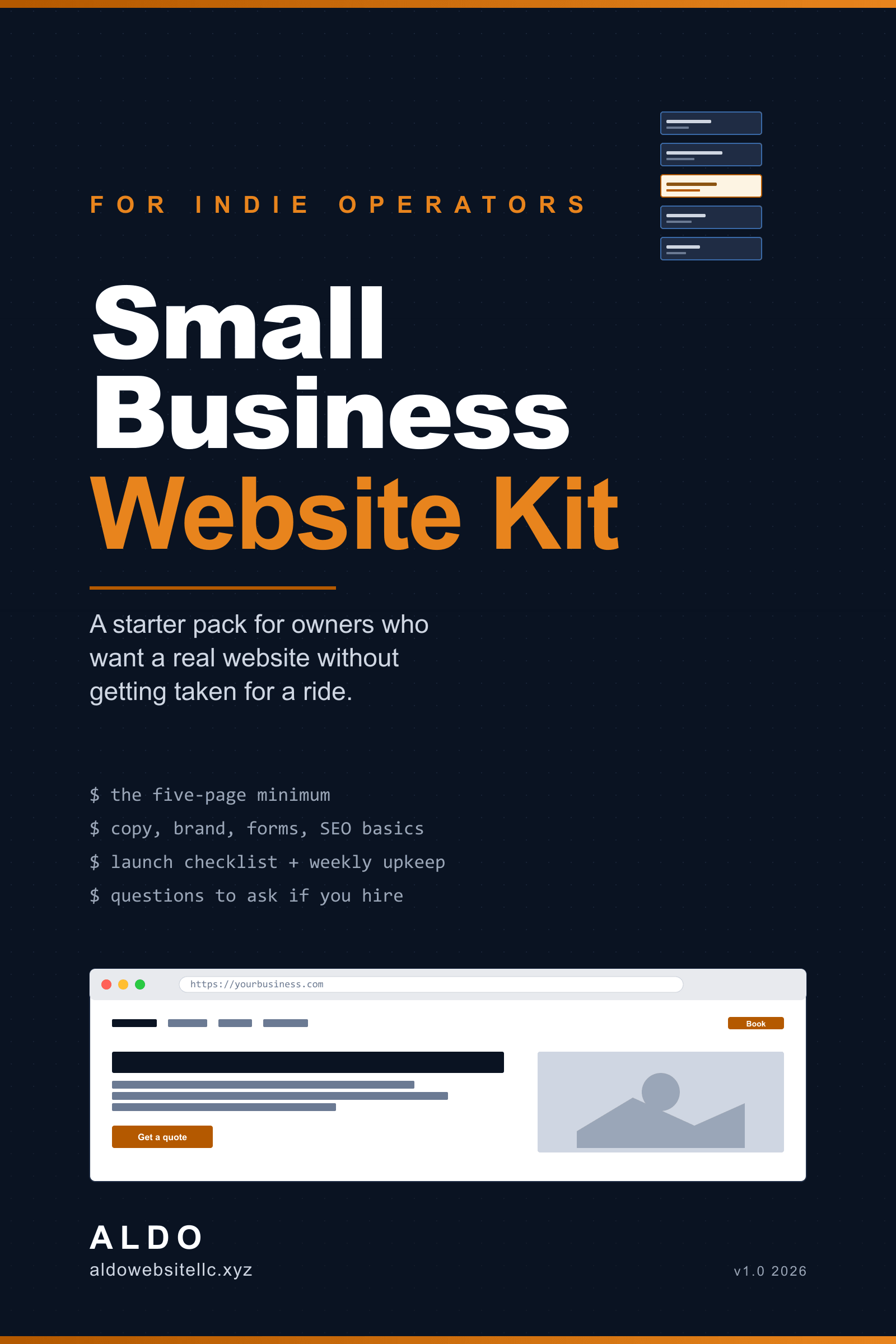
Small Business Website Kit
Ship a real five-page small-business site in a weekend, without getting fleeced by an agency.
Secure checkout via Stripe. Instant access after payment. 30-day refund if it's not for you, just email hello@aldowebsitellc.xyz.
- +EPUB format, opens in any reader
- +No DRM, share with your team
- +Free updates within v1.x
- +Companion repo + open errata
You don't need a $5,000 agency. You need a clear plan and a few good templates.
What's inside:
- A 1-page brief template (so you can hire a developer well)
- 3 landing-page wireframes (services, products, restaurant)
- Copy templates that don't sound like everyone else's
- A checklist for SEO basics, analytics, and launch
- A walkthrough of how to publish without breaking anything
Written by a software engineer who builds these for real clients.
// gated preview
Read the first chapter
Drop your email and I'll send the .epub sample over.
Foreword
This book exists because I keep having the same conversation.
Someone runs a small business. They have a logo, a phone, a Square reader, and a Google Maps pin. They keep meaning to "do something about the website." A friend suggested Wix. A cousin offered to build one for $200 and disappeared. Three different agencies sent quotes ranging from $2,400 to $18,000, with the same three words in every proposal: brand, presence, conversion. They are not sure who to believe.
This book is the conversation. The one I have with the small business owner who corners me at a barbecue and asks what they should actually do.
I run a small operation myself. I build sites for other small operations. I do not work for an agency, I do not sell hosting, I do not earn affiliate kickbacks on the tools I recommend. The advice here is what I would tell a friend who runs a coffee shop, a dental office, a landscaping crew, a tutor, a personal trainer, a notary. The advice is also exactly what I would do for myself if I were starting over tomorrow.
A few honest things to set expectations.
This is not a coding book. You will not write JavaScript. You will not learn React. If you want to ship a fancy app, this is not your book. If you want a five-to-eight-page website that loads fast, ranks for your town, takes leads, and stops embarrassing you in front of customers, this is exactly your book.
This is not a sales pitch in disguise. I do build websites for clients, and yes, my services page is one click away. But if this book is enough for you to do it yourself, that is a real win for both of us. You save four figures. I get someone who will recommend me to the friend who is not going to DIY. The book is honest about which path is right for which kind of reader, and you will see that judgment call on the page rather than buried in a checkout flow.
This is not future-proof advice. The web changes. Hosting prices change. Domain registrars change ownership. Specific tool names will rot before this book finishes its first year. I have tried to write the why under each recommendation so you can substitute a fresh tool when one I named gets bought, enshittified, or replaced. Errata and tool-name updates live at aldowebsitellc.xyz/small-business-website-kit and you do not need to sign up to read them.
If you find a mistake, an outdated price, or a tool I should have warned you about, the errata page has a one-field form. I credit by name and keep a running changelog.
You bought this book because you do not have time to research the right way for forty hours. The book is short on purpose. Read it cover to cover in one evening. Bookmark the templates chapter. Then do the work, not the research.
Now stop reading the foreword. Open a new browser tab.
How to use this book
The book has three reading modes, depending on where you are right now.
No site yet. Read cover to cover, one chapter per sitting. Each chapter ends with a small "do this now" block. Do the thing before you start the next chapter. By the end of chapter 10, you have a live site. By chapter 11, you know how to keep it alive. By chapter 12, you know how to hand it off to a professional if life gets in the way.
A site exists but it embarrasses you. Skip chapter 1 and 2. Skim chapter 3 and 4 just to confirm your stack is reasonable. Then start with chapter 5 (copy) and chapter 6 (brand basics). Most small-business sites do not have a tech problem. They have a copy problem and a "the photo of the storefront is from 2017" problem. Fixing those without changing the stack often moves the needle more than a rebuild.
You are about to hire someone. Read chapter 1 (so you can write the brief), chapter 2 (so you know what to ask for), chapter 12 (the questions to ask), and the back-matter templates. Skim everything else. The book teaches you enough of the language to spot when a vendor is talking past you, padding scope, or quoting a price that does not match the work.
Conventions
When I tell you to do something specific, the line starts with Do this now. When something is a personal opinion or a judgment call, the line starts with My take. When a recommendation will rot fast (a price, a vendor name, a free-tier limit), the line ends with (will drift) so you know to double-check the current page on the errata.
URLs and product names in the book point to the tools I would pick today. Replace any of them with a comparable competitor without guilt. The reason behind the pick is more durable than the pick itself.
What this book is not
- It is not a guide to e-commerce stores at scale. If your business is "I sell t-shirts and ship 80 a day," you want a Shopify book, not this one.
- It is not a guide to mobile apps. If you need an app, the website is the leasing office, not the apartment.
- It is not a book about marketing or paid ads. A few notes show up in chapter 8 and chapter 10, but a full marketing curriculum is a different project.
- It is not an SEO book. Chapter 8 covers the 80/20 every small business should do. If you want page-one for a competitive national term, you need a real SEO consultant, not a 12-page chapter.
What you need before chapter 1
- A working email address you actually check.
- A credit card.
- A list, even rough, of every page on your current site (or every page you wish you had).
- A folder on your computer named with your business name. You will fill it with copy drafts, photos, and the boring bits as you go.
That is it. No software to install yet, no tools to sign up for, no accounts to make.
Go make the folder. Then turn the page.
Chapter 1
Why a website, honestly
Every six months someone asks me whether small businesses still need a website. Their cousin runs a busy taco trailer with nothing but an Instagram. Their barber gets every customer from word of mouth and a TikTok. Their dad has been a notary for thirty years and books out a month in advance with a flip phone and a sign in the window.
The honest answer is: most small businesses still need a website, but not for the reasons the people selling websites tell you.
What a website is not
A website is not "brand presence." A website is not "validation." A website is not "credibility," at least not in any way that survives contact with reality. People do not look at your eight-page hero-image-slider site and think "wow, real business." They glance at it for two seconds, scan for an address or a price, and either call or close the tab.
Three sentences and a phone number on a one-pager beats a fifteen-page agency build for most small operations. I have built both. I have watched the analytics on both. The traffic does the same thing on each. The difference is the agency build cost ten thousand dollars and the one-pager cost a hundred and forty.
What a website actually buys you
Five concrete things. In order of how much they matter.
One: the Google Maps card. When someone searches your business name, Google shows a card on the right of the results. That card pulls from your Google Business Profile, but it links to your website. No website, no link. The link is what turns "I am curious about this place" into "I am on the menu page." Even people who find you on Instagram or a flyer end up googling your business name before they call. The Google card is the front door.
Two: the search-and-find moment. Someone in your town searches "notary near me at 9pm." Your Google Business Profile shows up because you set up the profile. Your website shows up under the profile because your website mentions "notary" and "Park City" and "evenings by appointment." That second listing doubles the chance they pick you. Without a website, the slot under your profile goes to the next notary in the rankings.
Three: the off-hours moment. Your hours are 9 to 5. Someone needs you at 7pm. They are not going to call. They are going to either give up or look at your site, find the FAQ, and book themselves into tomorrow's first slot. A site that answers the three questions you get most often (do you serve X, what does it cost, how do I book) recovers customers who would have ghosted.
Four: the trust shortcut. This is where "credibility" actually applies, narrowly. If you have a service that requires the customer to trust you with something (a house, a pet, a child, a tax return, a wedding), a site with a photo of you, the names of your team, real testimonials, and a license number cuts the trust-building cycle from a phone call to a thirty-second scroll. Wedding photographers, dentists, contractors, dog walkers, accountants. For these, the site is the gate.
Five: the place to send a link. Every flyer, every business card, every signature line, every Facebook ad, every QR code on the door points somewhere. That somewhere should be yours, not a Facebook page that Meta might disable next quarter, not a Google profile you do not actually own, not an Instagram you might lose to a hack. The website is the only digital address you fully control.
That is what a website buys you. Not "branding." Not "presence." Five concrete, measurable things.
When you genuinely do not need one
Be honest with yourself. You probably do not need a website if:
- Your business is one location, the location is on Google Maps, and every customer finds you within walking distance.
- You are at full capacity and have no appetite to grow. A site mostly brings new inquiries; if you do not want new inquiries, it adds work, not revenue.
- Your industry punishes online discovery. Cash-preferred trades, certain legal-gray operations, anything where being unfindable is a feature, not a bug.
- You will not maintain it. A site with the wrong hours, a dead phone number, or a 2019 menu is worse than no site at all. It actively repels people who would otherwise have called.
If two or more of those describe you, you might be better off with a polished Google Business Profile and nothing else. I have told potential clients this. I do not pretend otherwise.
What "good enough" looks like for the rest
For everyone else, good enough is a five-page site that:
- Loads in under two seconds on a phone.
- Tells me in the first sentence what you do, for whom, and where.
- Shows me a price range, or at least the words "starting at."
- Has a phone number and an email address visible without scrolling.
- Has a contact form that emails you directly when someone fills it out.
- Lists your hours and your service area.
- Has your three best photos. Real ones, not stock photos of a generic storefront in a generic city.
That is it. That is the entire bar. A site that hits all seven of those will out-convert most agency builds in your category, because most agency builds bury the phone number under three menu clicks and replace the price with the word "competitive."
I will walk you through all seven over the next nine chapters. Chapter 2 covers which five pages and what goes on each. Chapter 5 is how to write the copy. Chapter 10 is the launch checklist. By the end you have the seven-item bar cleared.
What this is going to cost you
Three rough scenarios. All numbers in 2026 US dollars and likely to drift.
- DIY with a no-code builder: $0 to $200 setup, $15 to $30 per month, plus 6 to 10 hours of your time. Squarespace, Webflow free tier, Carrd for the simple case. (will drift)
- DIY with WordPress on cheap hosting: $20 to $80 setup (domain + first year hosting), $10 to $25 per month after, plus 12 to 20 hours of your time. More fiddly, more powerful, more things to break. (will drift)
- Hire a freelancer or small studio: $1,500 to $6,000 one-time build, $0 to $50 per month hosting, plus 4 to 8 hours of your time in calls and feedback. Your studio's pricing will drift wildly.
The agencies quoting you $12,000 to $25,000 for a small-business site are not for you. They build for clients with a marketing budget, a staff, and a quarterly review. If you are reading this book, that is not you, and that quote is not for the work you actually need.
Do this now
Two things, in this order.
Write the one sentence. Open a notes app. Write a single sentence that says what your business does, for whom, in what city. Example: I am a family lawyer in Park City who handles divorces, custody, and probate. Specific. Concrete. No "premier provider of" anywhere. Save it. Chapter 2 starts here.
Google your business name. In an incognito window. Look at what currently shows up. Screenshot it. This is your baseline. By chapter 10 it will look different.
The next chapter is the five-page minimum. Page by page, what goes on it, what to cut. Same friendly voice, same rough length. See you there.
That was chapter one. The rest of Small Business Website Kit picks up where this left off. $49.00, one-time, no DRM, no subscription.
Small Business Website Kit
$49.00