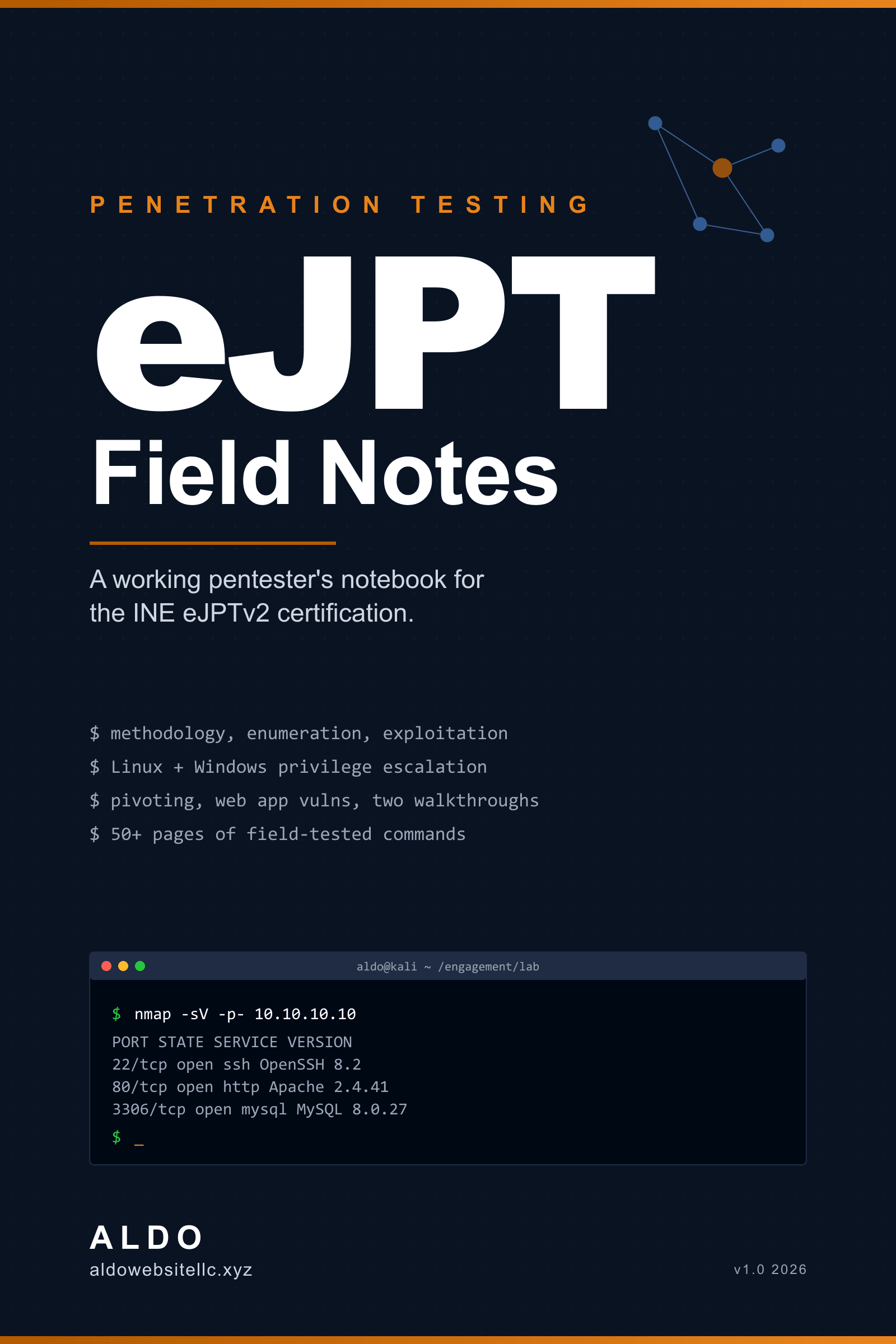
eJPT Field Notes
A working pentester's notebook, written as I study for the exam. Methodology, enumeration cheatsheets, two full lab walkthroughs.
Secure checkout via Stripe. Instant access after payment. 30-day refund if it's not for you, just email hello@aldowebsitellc.xyz.
- +EPUB format, opens in any reader
- +No DRM, share with your team
- +Free updates within v1.x
- +Companion repo + open errata
Everything I wish I'd had on day one of eJPT prep.
What's inside:
- A 12-step pentest methodology you can run on any box
- nmap, gobuster, ffuf cheatsheets with real-world examples
- 5 full lab walkthroughs (recon → exploit → pivot)
- A note-taking template that works in Obsidian / Notion / plain markdown
PDF + markdown source. Ships immediately after checkout.
// gated preview
Read the first chapter
Drop your email and I'll send the .epub sample over.
Foreword
This is the notebook I wish I had on day one of eJPT prep.
I started the INE Penetration Testing Student path with a working laptop, a Kali VM, and a thousand browser tabs of half-remembered commands. The course content is good. The problem is what happens between modules: you finish a lesson, sit down in front of a lab box, and forget the one flag that turns a useless nmap scan into a useful one. You waste twenty minutes Googling the syntax for an SMB null session. You try to enumerate a web app and realize you do not actually have a checklist.
These are the notes I built to fix that. Not theory. Not a textbook. A field notebook: the exact commands, in the order I run them, with the output I look for, and the next step when that output shows up.
If you are studying for the eJPTv2, this book is meant to live next to your terminal. Read a chapter once, then open it again as a reference when you hit the matching topic in a lab. The chapters are short on purpose. Each one ends with a small "what to look for" section so you know whether the technique worked before you move on.
A few honest things up front:
- This is a practitioner's notebook, not a war-stories memoir. I am a builder and a security student writing down the loop that works in the labs and on the exam, as I run it.
- Tools change. Versions change. Lab boxes change. I have tried to write techniques that are durable (the why behind a command), and to flag where a specific flag or path is going to drift.
- This book is for studying and for legal lab work. Black Box, INE labs, Hack The Box, your own lab. Do not point any of this at a network you do not own and do not have written permission to test.
If you find a mistake, an out-of-date command, or a technique that did not work for you, the errata page is at aldowebsitellc.xyz/ejpt-field-notes. Email fixes get credited by name. The same page hosts the companion repo with every script, payload template, and notes template referenced in the book, plus a small email list for errata and the launch discount on volume two.
Now stop reading the foreword. Open a terminal.
How to use this book
The book is built for two reading modes.
First pass: cover to cover. Read it through once before you sit down in a lab. Skim the cheatsheet chapters. Read the methodology and recon chapters carefully. Get the shape of the engagement loop into your head: enumerate, find a foothold, escalate, document, move on. That shape repeats on every box.
Second pass: as a reference. Once you are working through labs, you should be jumping in and out of the book. Search for the service you are stuck on. SMB ports open and you are not sure what to run? Chapter 4 has the SMB block. Got a low-priv Linux shell? Chapter 8 starts with the exact triage commands I run in the first ninety seconds.
Conventions
Commands look like this:
nmap -sV -Pn -p- -T4 10.10.10.10
Output you should look for is called out in quotes or in a small "look for" callout under the command. When a command has multiple flags worth knowing, I break them apart on the next line so the why is obvious.
When a variable changes per target, I write it in angle brackets:
smbclient -L //<target> -N
Replace <target> with the IP or hostname. Yes, this is obvious. Yes, I still see students paste literal angle brackets into their terminal under pressure. Read carefully.
What this book is not
It is not a replacement for the INE course material. The eJPTv2 exam tests skills the course teaches. Watch the videos. Do the labs. Use these notes to move faster and forget less.
It is not a list of every possible technique for every possible service. It is the techniques that come up on the exam and in the practice labs, in the order they tend to come up. Coverage over completeness is the wrong tradeoff for this exam. Speed and a reliable loop is the right one.
It is not a list of "1337 hacker" one-liners. The commands are the boring ones that work. If a one-liner is shorter and clearer, I use it. If not, I write it out.
A note on operating system
Everything in this book assumes you are running Kali Linux or Parrot OS. The INE labs ship with a working Kali instance. If you are on a different distro you will know how to translate the package names.
For the recon and exploitation chapters, you also need:
- A working Python 3 environment
gitconfigured- A note-taking app you trust. CherryTree, Obsidian, Joplin, or just a folder of markdown files. Pick one before you start the exam, not during it.
Let's go.
Chapter 1
The engagement loop
Every pentest, every CTF box, every eJPT lab is the same loop. Once you internalize the shape of the loop you stop thrashing. You stop running random tools "to see what happens." You start asking: where am I in the loop, and what is the next step.
The loop has five phases:
- Recon. What hosts exist and what services do they expose?
- Enumeration. For each interesting service, what version, what config, what users, what content?
- Vulnerability identification. Given the enumerated surface, what is exploitable?
- Exploitation. Get a shell, a file read, a credential, an admin session. Pick one and take it.
- Post-exploitation. Stabilize, escalate, harvest, pivot. Then loop back to phase one on the new internal surface.
Reporting wraps around all five phases. You take notes the whole time. You do not "write the report at the end." There is no end. There is only the loop and the notes.

Why this matters for the exam
The eJPTv2 is a 48-hour practical exam against a live lab network. You answer a fixed set of multiple-choice questions (around 35 of them, 70% to pass) inside the exam portal, drawn from what you find as you work the network. The questions are designed to nudge you down the loop. A question like "What is the version of the SSH server on host X?" is telling you to enumerate. A question like "What is the contents of the file /root/flag.txt on host Y?" is telling you that the loop has to go all the way to root.
If you run the loop in order and take real notes, you will answer the questions almost by accident as you go. If you skip ahead, hunting for "the exploit," you will waste hours.
Time budget
In a 48-hour exam, my rough split is:
- Phase 1 (recon): 5-10% of total time
- Phase 2 (enumeration): 30-40%
- Phase 3 (vuln ID): 10-15%
- Phase 4 (exploitation): 20-25%
- Phase 5 (post-ex + pivot): 15-20%
- Report/answer writing: ongoing, ~2 hours dedicated at the end
If you find yourself fifteen hours in and still in enumeration, you are not lost. That is the right shape. The mistake is the opposite: rushing into exploitation with shallow enumeration and getting stuck because you missed a service or a user.
The notes structure I use
Open a fresh folder per engagement. Inside it:
engagement/
  scope.md              targets, rules, time window
  scratch.md            messy running log, timestamps
  hosts/
    10.10.10.10.md      one file per host
    10.10.10.11.md
  creds.md              every credential pair, ever
  loot/                 dumped files, hashes, screenshots
  report.md             slowly grows during the engagement
The per-host file follows the same template every time:
# 10.10.10.10

## Services
| Port | Proto | Service | Version |
|------|-------|---------|---------|
| 22   | tcp   | OpenSSH | 8.2     |
| 80   | tcp   | nginx   | 1.18    |

## Enumeration

### 22/ssh
- no banner reuse
- password auth allowed
- tried admin/admin: no

### 80/http
- gobuster: /admin, /backup, /uploads
- /admin: basic auth, kept moving
- /backup: directory listing, found config.old

## Findings
- config.old leaked DB creds (see creds.md)
- /uploads accepts .phtml (filter bypass)

## Shells
- www-data via uploaded .phtml at 14:22
- root via sudo -l misconfig at 14:51
Boring. Predictable. It works.

The mental check before each phase
Before you change phases, ask yourself one question:
- Before leaving recon: "Have I scanned every port on every host, including UDP?"
- Before leaving enumeration: "For every open service, do I have version, version, version?"
- Before exploitation: "Have I read the exploit code I am about to run?"
- Before post-exploitation: "Did I stabilize the shell before I started running commands?"
- Before pivoting: "Have I dumped credentials and history on this host?"
You will skip these questions. Everyone does. The cost of skipping them is small in a lab and large on the exam.
The next chapter is recon: what you actually run, in what order, and how to tell when you are done.
That was chapter one. The rest of eJPT Field Notes picks up where this left off. $19.00, one-time, no DRM, no subscription.
eJPT Field Notes
$19.00